
Before you pay for a build: what should a founder check so the business owns the work, the accounts and the exit path?
A practical founder checklist for software and cloud projects: confirm IP ownership, keep account control, define data sharing, and agree how the work can be handed over or exited if the supplier leaves.

On this page
whyipaccessdataIn short
- Paying for a project does not automatically mean you own the IP.
- Keep cloud and admin accounts under the business’s control.
- Share only the data the supplier genuinely needs, and document why.
- Agree what happens to code, credentials and data if the supplier leaves.
- A good contract should make handover possible without rework or lock-in.
Ownership problems are often created at the start of a project, not at the end when handover becomes awkward. If you are paying for a build, a migration or an AI-enabled workflow, the important question is not only whether the work is delivered. It is whether your business can own it, run it and recover it later without depending on the same supplier forever.
UK guidance is clear on the basic principle: do not assume ownership, access or data handling will sort itself out. Agree it in writing before work starts.
Why this needs checking before work begins
Many founders focus on scope, price and timeline first. Those matter, but they do not answer the ownership question. If a supplier builds your product in their accounts, uses their own code without a clear licence, or handles your data without a written agreement, you can end up with a project that works but is hard to keep, hard to move and hard to audit.
Business.gov.uk guidance says collaborators should agree in writing who owns new IP, how pre-existing IP can be used and what rights each party keeps. It also makes clear that payment alone does not automatically transfer ownership. That is the foundation of the checklist below.
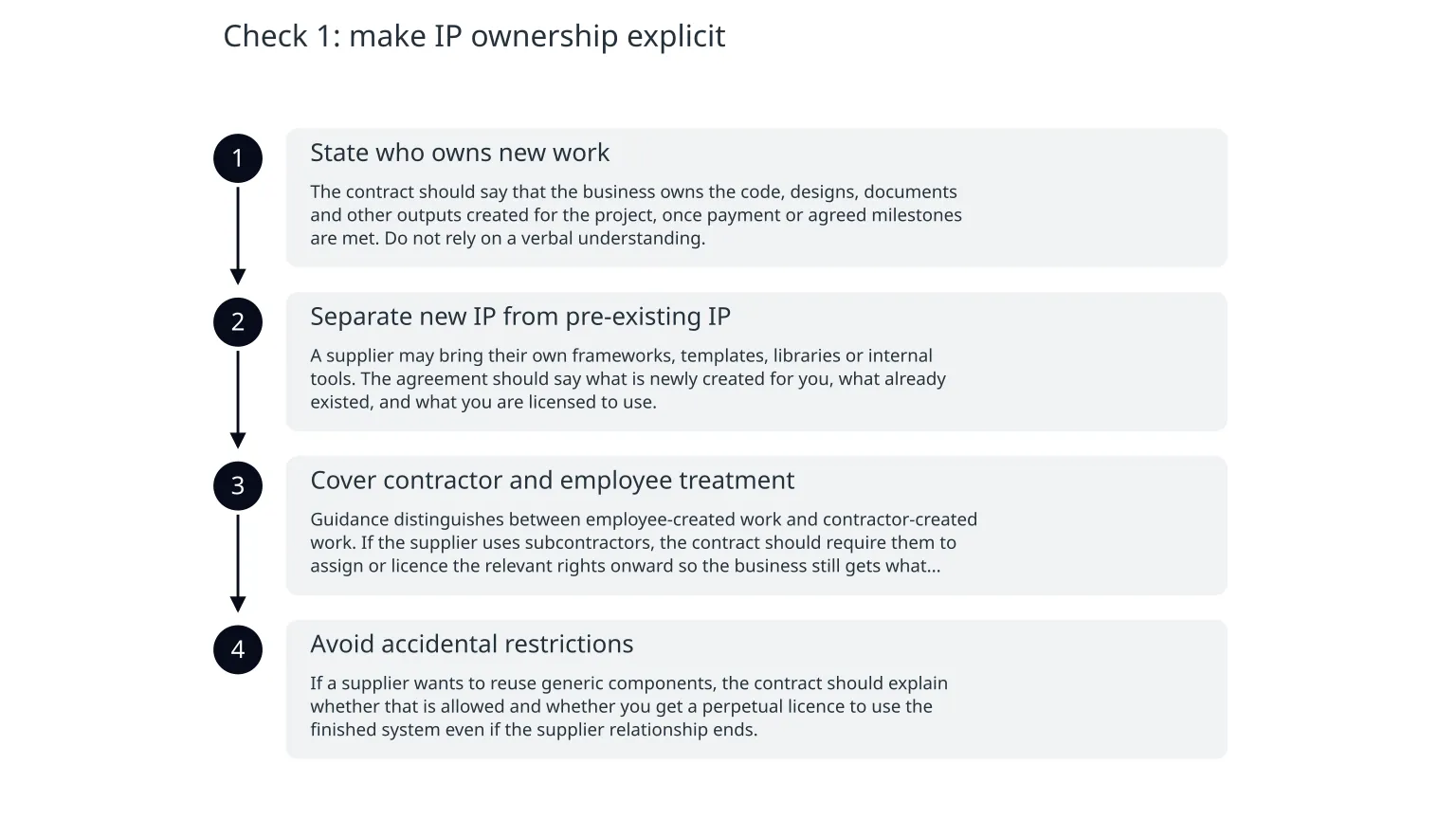
Check 1: make IP ownership explicit
- 1
State who owns new work
The contract should say that the business owns the code, designs, documents and other outputs created for the project, once payment or agreed milestones are met. Do not rely on a verbal understanding.
- 2
Separate new IP from pre-existing IP
A supplier may bring their own frameworks, templates, libraries or internal tools. The agreement should say what is newly created for you, what already existed, and what you are licensed to use.
- 3
Cover contractor and employee treatment
Guidance distinguishes between employee-created work and contractor-created work. If the supplier uses subcontractors, the contract should require them to assign or licence the relevant rights onward so the business still gets what it paid for.
- 4
Avoid accidental restrictions
If a supplier wants to reuse generic components, the contract should explain whether that is allowed and whether you get a perpetual licence to use the finished system even if the supplier relationship ends.
Check 2: keep account ownership with the business
A common failure mode is simple: the supplier sets up the cloud, the source control, the analytics tools or the domain registration in their own account. That may be convenient during delivery, but it creates avoidable dependency later. AWS guidance on identity and access says the customer is responsible for security in the cloud, and root credentials must be tightly controlled.
- Create the core accounts in the business name, not the supplier’s.
- Use least-privilege access, so the supplier only has the permissions needed for the task.
- Require multi-factor authentication on admin and root accounts.
- Keep recovery email addresses, billing contacts and phone numbers owned by the business.
- Store credentials in a business-controlled password manager or equivalent secure system.
Check 3: document data sharing and lawful use
If the project involves customer, employee or operational data, the supplier should only receive what is necessary for the work. The ICO says you need a lawful basis for sharing personal data, and you should share only the minimum needed, securely and with the right recipient.
0 of 5 complete

About the author
Nixim Team, Product Engineering
Practical guidance from Nixim on building software, working with AI and running dependable cloud systems.