
What checks should sit before a dashboard so schema changes do not turn into bad decisions?
A practical guide to protecting reporting pipelines from schema drift with validation, monitoring and fallback views. It explains what to check upstream, how to spot breakage early, and how to keep decision-makers from acting on incomplete or misleading numbers.

On this page
Why it mattersWhat to checkHow it worksTrade-offsPractical stepsNext stepsIn short
- Validate incoming schemas before data reaches reporting tables.
- Monitor metadata and job failures so breakage is visible quickly.
- Use fallback views so dashboards can keep running during safe schema changes.
- Mark incomplete or stale data clearly instead of hiding the issue.
- Choose lightweight checks that fit the size of the pipeline, not a heavy platform by default.
A dashboard is only as trustworthy as the data pipeline behind it. If a source table changes shape — a column is renamed, a type changes, or a field disappears — the problem may not show up as a neat error on the dashboard. It can appear later as a misleading chart, a broken filter, or a report that quietly stops telling the truth.
That is why the useful question is not only “is the dashboard refreshed?” It is “what checks happen before the dashboard ever sees the data?” Google Cloud’s BigQuery documentation shows that schema mismatches are a common cause of load, copy, query-destination and metadata-update failures, while its migration guidance recommends facade views to keep downstream processes working during schema changes. Snowflake’s monitoring guidance makes a similar point: a central monitoring view helps with triage, but it does not replace specific checks for the objects and pipelines that matter.
For founders, operations leads and analysts, the aim is simple: catch schema drift early, show when data is unsafe to trust, and keep a fallback path so decisions can pause rather than drift forward on bad numbers.
Why schema changes cause decision risk
The real problem
Schema changes are not just a technical nuisance. They can change what a metric means, hide a field that a report depends on, or stop a pipeline from loading at all. BigQuery treats a schema as the set of column names, data types and related properties for a table, and its troubleshooting docs show that mismatches are a common failure mode in load jobs, query jobs with destination tables, copy jobs and table updates.
Why this affects decisions
If a dashboard still loads but one source field is missing, the visual may look normal while the meaning has shifted. That is the dangerous version of failure, because teams keep acting. A lighter protection layer before the dashboard can make the problem visible earlier, so the right response is to pause, repair or switch to a fallback view rather than assume the chart is fine.
The three checks that belong upstream
- 1
Validate the incoming schema
Check the shape of incoming data before it lands in the reporting layer. At minimum, confirm required columns exist, data types still match expectations, and any renamed or newly optional fields are handled on purpose. This is the first line of defence because it stops obviously incompatible data from entering the pipeline.
- 2
Monitor the pipeline and metadata
Use metadata and job-level monitoring to spot failures, drift and unusual changes. BigQuery recommends Information Schema-style observability for diagnosing failures, bottlenecks, capacity limits and storage growth. That matters because schema drift often shows up first as a failed job, a spike in errors or an unexpected change in table structure.
- 3
Keep a fallback view ready
If a source table must evolve, keep a stable view or facade in front of the dashboard so downstream reports continue to work while the underlying structure changes. This allows you to map new columns to old ones, preserve expected names, or hold a compatible shape during the transition.
How these work together
These three checks solve different problems. Validation stops bad data at the edge. Monitoring tells you something changed or broke. A fallback view buys time and keeps the business running while you fix the source or update the reporting logic. Used together, they create a practical buffer between upstream change and downstream decision-making.
A lightweight protection layer for reporting
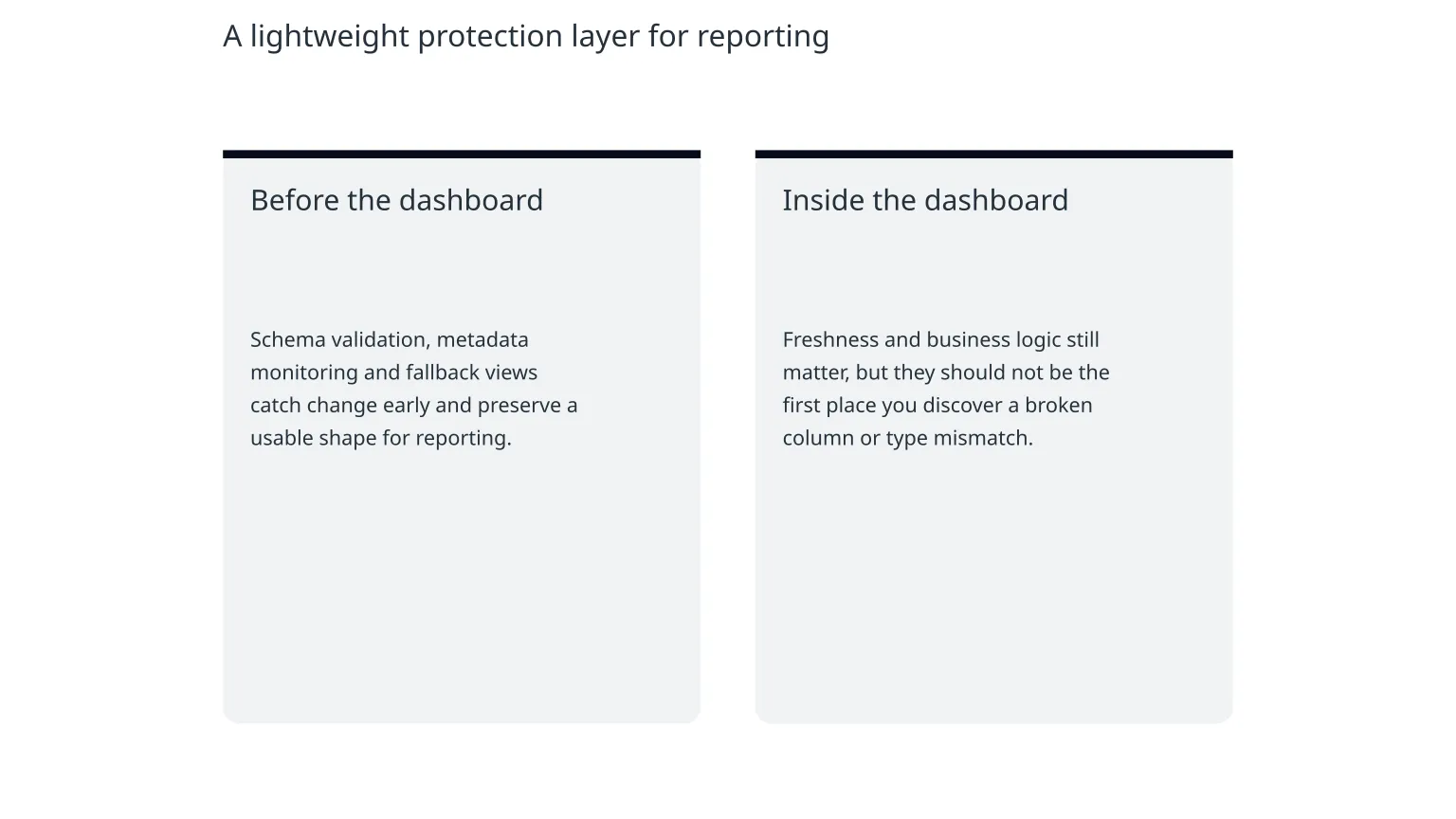
Before the dashboard
Schema validation, metadata monitoring and fallback views catch change early and preserve a usable shape for reporting.
Inside the dashboard
Freshness and business logic still matter, but they should not be the first place you discover a broken column or type mismatch.
Illustrative example
Imagine a monthly revenue report that reads from an orders table. A product change renames `total_price` to `gross_amount`. Without upstream checks, the dashboard may fail later, or worse, calculate revenue from the wrong field if the transformation logic is loose. With validation in place, the pipeline flags the mismatch. With monitoring, the team sees the failure quickly. With a fallback view, the dashboard can still expose the old field shape while the reporting model is updated.
Why fallback views are useful
Fallback views are not a licence to ignore schema change. They are a temporary compatibility layer. BigQuery’s migration guidance recommends facade views specifically so downstream processes can keep working while schemas evolve. That is valuable when the business needs continuity, but it only works if someone owns the transition and the old shape is retired deliberately.
What these controls do not solve
- They do not fix bad source data. If the upstream system is wrong, validation only tells you sooner.
- They do not remove the need for clear metric definitions. A schema can be correct while the business logic is still flawed.
- They do not help if teams ignore alerts or suppress failures without a review process.
- They do not cover every object type in every platform in the same way. Snowflake notes that its automatic monitoring dashboard is a discovery tool and does not apply to views, materialized views or external tables, so extra checks are still needed for those cases.
The risk of overbuilding
It is easy to turn a simple protection layer into a large platform project. For small and growing businesses, that is often unnecessary. Start with the tables and reports that actually influence decisions, then expand the checks where the business impact is highest. The point is reliability, not infrastructure complexity.
A simple order of implementation
0 of 8 complete
A sensible starting point
You do not need perfect coverage to get value. Start with one high-value pipeline and build the smallest set of checks that would have prevented the most likely failure. If your team already uses warehouse metadata, that is a good place to begin, because it gives you a visible trail of what changed and when.
When specialist help is useful
Specialist support can help when your reporting stack has several source systems, mixed schema rules, or dashboards that are already driving operational decisions. The need is usually not for a complete rebuild, but for a clearer design around validation, compatibility and ownership. For teams that want that done without creating more maintenance burden, a data partner can help scope the minimum control layer and document how it should be maintained.
What a good next phase looks like
Keep the system honest
Once the basic checks are in place, review them after real schema changes, not just in planning. Did the alert arrive soon enough? Did the fallback view preserve the right meaning? Did someone know what to do next? Those answers are more useful than a long policy document.
Build for recovery, not perfection
The best reporting systems assume that upstream change will happen. The aim is to make that change visible, contain its impact and keep decisions grounded in the safest available view of the data. That is a modest goal, but a practical one.

About the author
Nixim Team, Product Engineering
Practical guidance from Nixim on building software, working with AI and running dependable cloud systems.