
What data-quality checks should you put in place before you rely on a dashboard?
A practical guide to the minimum checks that make a dashboard trustworthy: freshness, completeness, anomaly detection and clear ownership when data breaks.

On this page
1. Start2. Freshness3. Completeness4. Anomalies5. Ownership6. GuardrailsIn short
- Freshness tells you whether the data is recent enough to act on.
- Completeness tells you whether key fields or records are missing.
- Anomaly checks help catch unusual changes that are technically valid but still suspicious.
- A dashboard needs an owner, not just a chart.
- Start with a few thresholds you can explain, then tighten them over time.
A dashboard can look polished and still be unsafe to use. If the underlying data is late, incomplete or behaving oddly, you can end up making a confident decision from the wrong picture. The good news is that you do not need an elaborate data platform to start improving trust. You need a small set of checks, clear thresholds and someone who owns the response when a check fails.
The strongest practical pattern is simple: test whether the data is fresh enough, complete enough and behaving within expected bounds. Google Cloud describes freshness, volume and completeness as separate monitoring dimensions, while AWS and Databricks both document rule-based freshness and anomaly checks for operational use.
Start with the decision, not the chart
Before you define checks, decide what the dashboard is for. A sales dashboard, an operations dashboard and a finance dashboard do not need the same tolerance for delay or missing data. A metric used for daily staffing decisions needs a tighter freshness rule than a weekly trend view. That sounds obvious, but many teams build the dashboard first and only notice the weak spots when someone relies on it.
Check whether the data is fresh enough
Freshness is the first check most teams should add. It answers a basic question: is this data recent enough to support the decision you are about to make? Google Cloud defines freshness as a monitoring dimension and frames it as whether data is recent enough to be useful. AWS Glue supports DataFreshness rules based on date columns or file arrival times, with thresholds set in hours or days.
0 of 5 complete
Check whether the picture is complete
A fresh dashboard can still be misleading if records, categories or fields are missing. Google Cloud treats completeness as a separate monitoring dimension and says it checks whether the required information is present. In practice, this means asking not only whether the dataset arrived, but whether the important parts arrived with it.
| What to check | What it protects you from | Typical trigger |
|---|---|---|
| Required fields present | Blank values in key columns | Missing customer, date or amount fields |
| Expected records loaded | Partial ingestion | Today’s file loaded, but only half the rows |
| Segment coverage | Skewed totals | One region or product line disappears |
| Reference data joined | Broken labels and filters | Dashboard totals no longer reconcile |
Add anomaly checks for unusual changes
Some data failures do not look broken at all. A pipeline may run successfully, but the numbers can still jump because of duplicates, delayed upstream feeds, a schema change or a bad join. Databricks documents anomaly detection for freshness and completeness, including cases where tables are marked stale or incomplete when patterns move outside expected bounds. AWS Glue also includes DetectAnomalies as a rule type.
- Watch for sudden spikes or drops in key metrics.
- Compare today’s totals with recent history and expected ranges.
- Check ratios, not just raw counts, when a metric depends on another input.
- Use anomaly alerts to prompt investigation, not to auto-fix the data blindly.
Make broken data someone’s responsibility
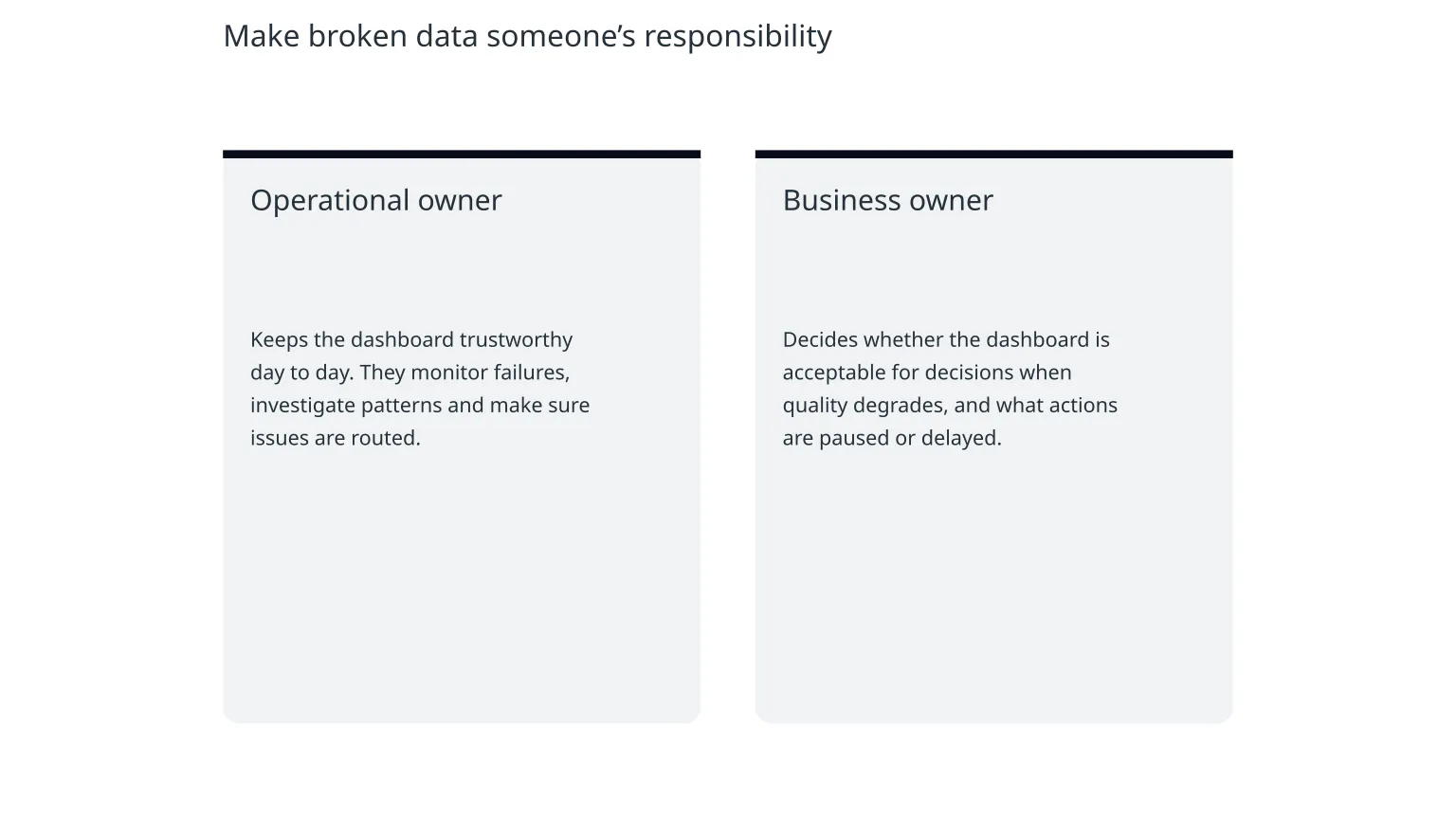
A dashboard without an owner tends to become everyone’s problem and no one’s job. The most useful operational change is often not a new tool, but a clear response path: who gets alerted, who investigates, who fixes the source and who decides whether the dashboard should be used until the issue is resolved.
Operational owner
Keeps the dashboard trustworthy day to day. They monitor failures, investigate patterns and make sure issues are routed.
Business owner
Decides whether the dashboard is acceptable for decisions when quality degrades, and what actions are paused or delayed.
This ownership split matters because data issues are not always technical. Sometimes the problem is a changed process, a new field definition or a business rule that no longer matches reality. Someone has to decide what the metric should mean.
Keep the checks usable, not overengineered
Good starting point
A few clear checks on the most important datasets, with thresholds that match business use and simple alerts that someone can act on.
Common mistake
Dozens of rules, unclear alert routing and no agreement on which dashboard should pause when data quality drops.
0 of 5 complete

About the author
Nixim Team, Product Engineering
Practical guidance from Nixim on building software, working with AI and running dependable cloud systems.