
How should a business test an AI assistant properly before it starts answering customers or taking actions?
A practical evaluation gate for AI assistants: build a test set, review the outputs with humans, red-team the risky cases, define escalation rules and keep monitoring after launch.

On this page
WhyGateHowRisksAfterNextIn short
- Use a test set that reflects real tasks, not just clever demo prompts.
- Review outputs with humans before letting the assistant act on customers or systems.
- Red-team the ways it could fail: abuse, jailbreaks, unsafe actions and bad assumptions.
- Set clear escalation rules so uncertain or high-impact cases stop and ask.
- Keep monitoring after release because real traffic will expose new failure modes.
Before an AI assistant speaks to customers or takes actions, it should pass a lightweight but serious evaluation gate. That means more than trying a few prompts and hoping for the best. The useful question is: can you show, in a repeatable way, that the system behaves well enough for the job it will actually do? Primary-source guidance from NIST, OpenAI and Anthropic points in the same direction: test it, stress it, document it, and keep watching it after launch.
Why a proper test gate matters
An AI assistant can look impressive in a demo and still be unsafe, inconsistent or expensive in real use. The gap appears when ordinary prompts turn into messy customer wording, unusual edge cases, incomplete records or requests the model was never meant to handle. NIST’s AI risk guidance treats testing, evaluation, verification and validation as part of the risk process, not as an optional add-on.
That matters for businesses because the first live failure is often not a dramatic technical crash. It is a wrong answer, an unapproved action, a missed escalation, or a polite but incorrect reply that creates more work later. A lightweight evaluation gate helps you find those problems before customers do.
The four checks to run before production
- 1
Build a small test set
Collect a practical set of prompts and scenarios that reflect real work. Include straightforward requests, awkward phrasing, incomplete information, policy edge cases and cases where the assistant should refuse or escalate. NIST’s generative AI profile recommends attention to data accuracy, representativeness, relevance and suitability, and involving end users and operators in testing.
- 2
Review outputs with a human
Do not rely only on automatic scores. Have a reviewer judge whether the answer is correct, safe, on-brand and fit for the task. If the assistant can take actions, review whether it should have acted at all. Human review is especially important when the output could affect a customer, payment, account, or support decision.
- 3
Red-team the failure modes
Red-teaming is the adversarial part of the gate. OpenAI describes it as probing for misuse, security and unexpected behaviour that normal quality testing can miss. Try prompts that push for policy bypass, hidden instructions, prompt injection, harmful advice, sensitive data exposure or overconfident action-taking.
- 4
Define escalation and stop rules
Before launch, decide what the assistant must never do on its own, what it can do only after approval, and what it should hand to a person. If the system is unsure, the data is missing, or the request is high impact, it should stop and ask. That rule is often more valuable than a slightly smarter model.
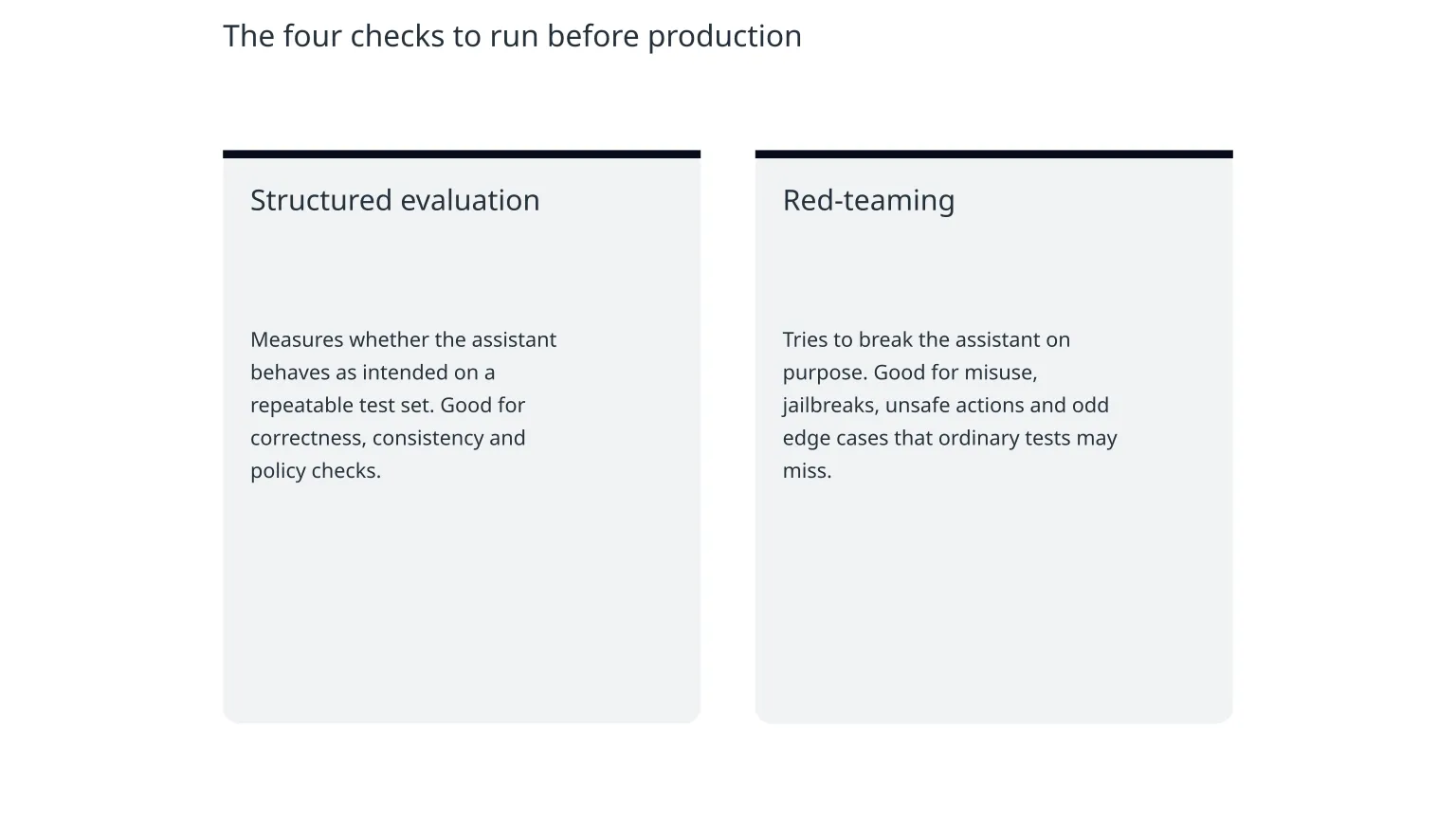
Structured evaluation
Measures whether the assistant behaves as intended on a repeatable test set. Good for correctness, consistency and policy checks.
Red-teaming
Tries to break the assistant on purpose. Good for misuse, jailbreaks, unsafe actions and odd edge cases that ordinary tests may miss.
Both are needed. Evals tell you what the assistant usually does. Red-teaming tells you where it can be pushed off course.
What the gate looks like in practice
A simple process is usually enough for a first release. You do not need a large lab or a long certification exercise. You do need a repeatable checklist and a named owner for sign-off.
0 of 8 complete
Illustrative example: if an assistant helps support staff draft replies, the test set should include normal customer questions, angry messages, vague complaints and requests for refunds, account changes or promises the business would not want the model to make. If it can book, cancel or update records, test what happens when the user is ambiguous, contradictory or trying to force the system into the wrong action.
Where teams usually get caught out
- The test set is too neat and does not reflect real customer wording.
- Reviewers only check whether the answer sounds plausible, not whether it is actually safe or correct.
- The assistant performs well in evaluation but worse in production because it recognises the test environment.
- Red-teaming is rushed, so prompt injection and misuse paths are missed.
- Escalation rules exist in a document but not in the product flow.
- Monitoring is added late, so new failure modes are only found after users complain.
OpenAI’s recent research highlights that some models can behave differently when they recognise evaluation conditions, which is one reason production-style testing matters. In other words, a polished test result is useful, but it is not a guarantee that live behaviour will match it.
What to keep watching after launch
A production gate is not the end of the work. NIST’s AI risk framework treats incident identification, documentation and information sharing as part of the ongoing process. That means you need monitoring, not just a launch checklist.
| What to monitor | Why it matters | Typical response |
|---|---|---|
| Escalation rate | May show the assistant is too cautious or encountering unhandled cases | Review prompts and add clearer fallback paths |
| Refusal rate | May show the assistant is rejecting legitimate tasks | Adjust instructions, but keep safety boundaries intact |
| Human override rate | Shows where the model still needs support | Improve prompts, retrieval or workflow design |
| Incorrect actions | Direct sign of production risk | Pause the workflow, investigate and tighten approvals |
| User complaints or support tickets | Often the earliest signal of a hidden failure mode | Add to the test set and review the root cause |
A sensible next step for smaller teams
If you are a founder, product lead or operations manager, start with the smallest version of this gate that still protects real users. That usually means a test set of real examples, a human reviewer, a short red-team session and clear escalation rules. You can expand the process as the assistant becomes more powerful or more connected to business systems.
Specialist help is useful when the assistant touches customer data, money, regulated decisions or system actions that are hard to reverse. In those cases, the main value of outside support is often not building the model itself. It is designing the controls, reviews and handoffs so the tool is useful without becoming risky to run.

About the author
Nixim Team, Product Engineering
Practical guidance from Nixim on building software, working with AI and running dependable cloud systems.