
How to tell whether a dashboard is trustworthy enough to use in decisions
A practical guide to making dashboard trust a design decision, not an assumption. It covers freshness targets, ingestion reliability, query performance, governance and source transparency so founders and operators can decide when a report is fit for use.

On this page
Start hereFreshnessIngestionPerformanceGovernanceMisuseNext stepsIn short
- Treat dashboard trust as a design problem, not a styling problem.
- Set freshness targets for each metric, rather than one blanket rule.
- Check ingestion reliability, query performance and recovery paths separately.
- Make sources and ownership visible so users know where the number came from.
- Use dashboards to support decisions, not to hide data-quality gaps.
A dashboard only helps if people trust it enough to act on it. The mistake is to treat the chart as neutral truth. In practice, every report depends on freshness, ingestion, query performance, governance and clear source ownership. If any of those are weak, the numbers may still look tidy while the decision becomes risky. This guide explains the checks that make a dashboard trustworthy enough for founders and operators to use with confidence, and the trade-offs to accept when you cannot make it perfect.
A polished dashboard is not the same as a trustworthy one
When a dashboard looks clean, it is easy to assume the numbers are safe to use. That assumption can be wrong. A dashboard may be built on delayed data, partial ingestion, slow queries or unclear definitions. It may also be correct in one part of the business and misleading in another because the source system changed and nobody updated the logic.
The useful question is not “Does this dashboard exist?” It is “Do we know when to trust it, when to pause, and who is responsible when something breaks?” That is especially important for founders and operations teams, because dashboards often sit between raw systems and real decisions such as hiring, spend, stock, service capacity or product changes.
Set freshness targets for each metric
Freshness means how up to date a metric is when someone views it. Not every number needs the same target. A daily finance summary may tolerate a longer delay than an operations alert. A customer support queue, for example, may need near-real-time updates, while a weekly trend view can accept a slower refresh.
The practical step is to define freshness targets by use case. Ask what decision the metric supports, how quickly the underlying source changes and what delay would make the number misleading. Google Cloud’s reliability guidance treats trust as more than storage alone; availability, consistency, recovery and error handling all matter. Freshness sits inside that wider picture.
Check whether the pipeline is actually reliable
A dashboard can only be as reliable as its ingestion path. If source data arrives late, duplicates records, drops rows or fails silently, the report may still render without signalling the problem. That is why ingestion checks should be treated as part of the dashboard, not as a back-office detail.
- Track whether every source arrived on schedule.
- Alert on missing files, failed jobs and unusually small or large loads.
- Record row counts and compare them with expected ranges.
- Keep a visible error queue for records that fail validation.
- Make it clear which sources are partial, delayed or excluded.
This is where governance helps. BigQuery’s documentation describes built-in capabilities for discovering, managing, monitoring and governing data and AI assets across connected sources. In plain terms, good governance makes it easier to see what is in the system, what is changing and what should be controlled.
Make sure the dashboard is fast enough to be used
If a report is slow, people stop using it or work around it. Slow performance is not only an inconvenience; it changes behaviour. Users may export data into spreadsheets, take screenshots or rely on memory. At that point, the dashboard is no longer the single source of truth you thought you had.
Query performance is part of trust because it affects whether the result is consistent and repeatable. Google Cloud’s optimisation guidance recommends looking at the query plan, reducing the amount of data processed, avoiding SELECT * and using partitioning where appropriate. It also notes that LIMIT does not reduce bytes read in a SELECT * query. That matters because a query can look simple while still being expensive and slow.
Good enough
A dashboard loads quickly, the main filters are responsive and users can answer the common question without waiting or rerunning the report.
A warning sign
A dashboard works only after long refreshes, the most useful queries are the slowest and users open different copies because the official one is frustrating.
Make source transparency part of the design
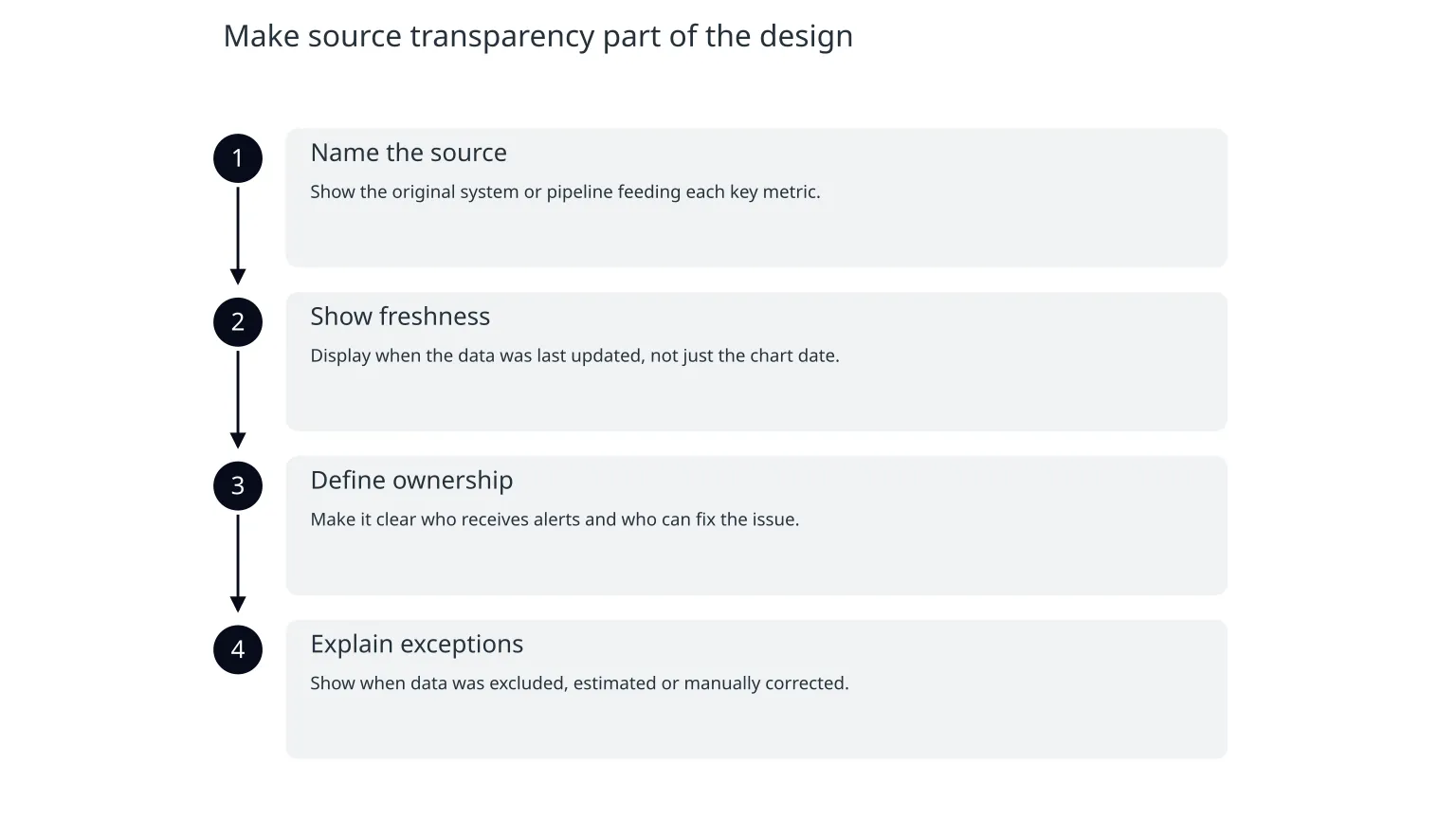
A trustworthy dashboard shows where the numbers came from, who owns them and what definitions were used. Without that, users can confuse one metric with another or assume two reports are comparable when they are not. Source transparency is not a nice-to-have. It is how people judge whether a number is fit for the decision they want to make.
Governance should answer a few simple questions: which system feeds this metric, which transformation steps were applied, what time period is shown, and who can change the logic. Microsoft’s data-quality guidance also shows that usefulness depends on the health of the underlying structure: incomplete coverage or fragmented attributes can make reporting less useful, even if the dashboard itself is visually polished.
- 1
Name the source
Show the original system or pipeline feeding each key metric.
- 2
Show freshness
Display when the data was last updated, not just the chart date.
- 3
Define ownership
Make it clear who receives alerts and who can fix the issue.
- 4
Explain exceptions
Show when data was excluded, estimated or manually corrected.
Know the limits before you over-trust the number
Dashboards can be misused in two common ways. The first is to treat them as objective truth even when the underlying data is incomplete. The second is to dismiss them entirely because no dashboard is perfect. Both are mistakes. The better approach is to know the limits and document them clearly.
- A dashboard can be useful even when it is not fully real-time.
- A metric can be accurate for one use case and misleading for another.
- Performance, governance and freshness are separate checks.
- If users cannot explain a number, they are more likely to misuse it.
A practical checklist for the next review
0 of 7 complete
If you already have a dashboard in production, start with one metric that matters most and test it end to end. Follow the data from source to screen and ask where it can fail. That small exercise usually reveals more than a new visual design ever will.
For teams that need help, specialist support is most useful when the problem spans data design, pipeline reliability and the way people make decisions from the report. In those cases, the aim is not to add more charts. It is to make the existing numbers easier to trust, easier to explain and easier to maintain as the business changes.

About the author
Nixim Team, Product Engineering
Practical guidance from Nixim on building software, working with AI and running dependable cloud systems.