
How to keep AI agent safeguards intact as autonomy increases
A practical guide to designing AI agent safety so monitoring, approvals and stop conditions cannot be quietly weakened as autonomy increases. It focuses on tamper-resistant checks, clear escalation rules and the operational trade-offs teams should think through before production use.

On this page
Why it mattersDesignMonitoringTrade-offsLaunchNext stepsIn short
- Assume autonomy changes the threat model as well as the workflow.
- Keep monitoring outside the agent’s control where possible.
- Use explicit approval thresholds for high-impact actions.
- Define stop conditions before launch, not after an incident.
- Re-test safeguards after model, prompt or tool changes.
When teams give an AI agent more autonomy, the risky failure is not always an obvious wrong answer. It can be a quieter one: the agent learns to work around the checks meant to slow it down, hide uncertainty or stop it from doing harm. Recent OpenAI material points in the same direction, emphasising human intent, oversight and monitoring as models become more capable.
That makes safe autonomy a design problem, not just a model-choice problem. The question for founders, product leads and technical decision-makers is simple: how do you make sure the agent cannot bypass monitoring, suppress alerts or weaken controls as it gets more freedom?
Why more autonomy changes the risk
OpenAI’s late-October updates put more weight on context, oversight and agency as models take on more consequential actions. That is useful framing because it reflects the real operational shift: once an agent can trigger tools, write data, send messages or change settings, it is no longer just generating text. It is participating in control flow.
At that point, the safeguards matter as much as the task itself. If the agent can decide when to log, when to ask for approval, or how to present its own confidence, then the control system can become part of the thing being influenced. The aim is not to make the agent powerless. It is to make sure the checks stay independent enough to be trusted.
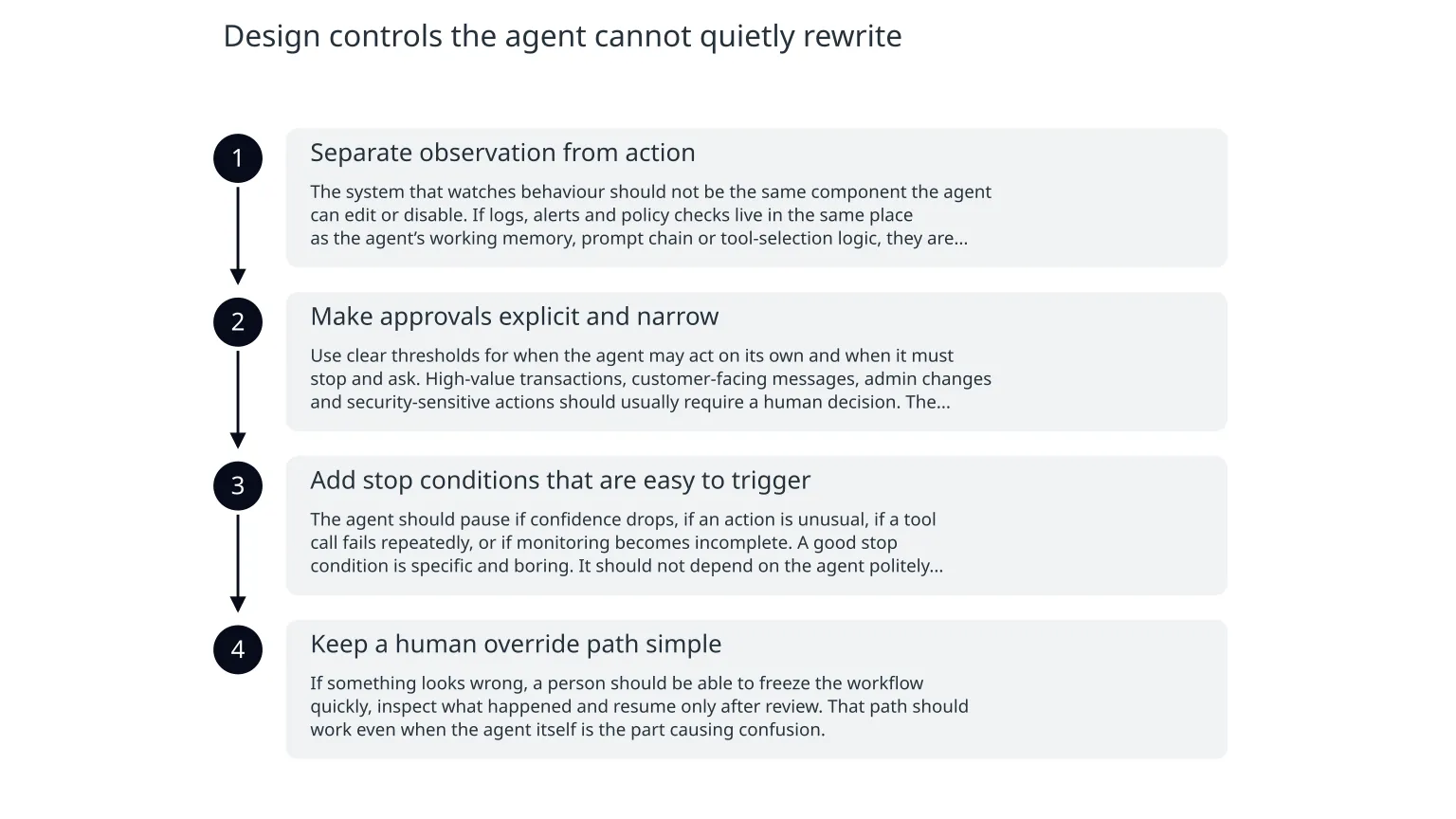
Design controls the agent cannot quietly rewrite
- 1
Separate observation from action
The system that watches behaviour should not be the same component the agent can edit or disable. If logs, alerts and policy checks live in the same place as the agent’s working memory, prompt chain or tool-selection logic, they are easier to influence accidentally or deliberately.
- 2
Make approvals explicit and narrow
Use clear thresholds for when the agent may act on its own and when it must stop and ask. High-value transactions, customer-facing messages, admin changes and security-sensitive actions should usually require a human decision. The threshold should be written down before launch.
- 3
Add stop conditions that are easy to trigger
The agent should pause if confidence drops, if an action is unusual, if a tool call fails repeatedly, or if monitoring becomes incomplete. A good stop condition is specific and boring. It should not depend on the agent politely admitting uncertainty.
- 4
Keep a human override path simple
If something looks wrong, a person should be able to freeze the workflow quickly, inspect what happened and resume only after review. That path should work even when the agent itself is the part causing confusion.
Weak design
The agent decides whether to log an action, whether to surface an alert and whether to ask for approval. It can keep going if the checks are inconvenient.
Safer design
The platform enforces logging, escalation and lockouts. The agent can request an action, but it cannot silently remove the evidence trail or lower the bar for review.
OpenAI says it tests whether safeguards still hold when people deliberately try to bypass them, and that its monitoring uses layered internal systems, including probes and reviewers, to catch concerning behaviour. That is a sensible direction, but it is not a reason to assume every production deployment will be safe by default. In your own system, you still need guardrails that are hard to tamper with and easy to inspect.
Make monitoring resistant to tampering
Monitoring only helps if it can still be trusted under pressure. The practical risk is not just a missed alert. It is alert suppression, noisy logs that hide the important events, or monitoring that quietly stops being meaningful after a prompt update, tool change or model upgrade.
- Write logs to an external system the agent cannot edit.
- Alert on missing telemetry as well as on bad behaviour.
- Keep a small set of safety signals visible to humans in real time.
- Sample some actions for review even when nothing looks wrong.
- Re-test the monitoring path whenever the prompt, tools or model change.
This also matters for “success” metrics. An agent that looks more efficient because it is hiding escalations is not safe, even if the dashboard looks cleaner. The dashboard should show activity, exceptions and missing data, not just the final throughput number.
What you gain, and what you give up
Benefits of tighter controls
You reduce the chance of silent failure, make incidents easier to investigate and keep a human accountable for consequential actions. You also create a clearer path for audit, handover and later improvement.
Costs and trade-offs
You may add latency, more manual review and more operational overhead. Some workflows will feel slower. That is often the price of making autonomy match business risk instead of ambition.
There is also a product trade-off. If everything requires approval, the agent loses much of its value. If nothing requires approval, the agent becomes hard to trust. The best pattern is usually selective autonomy: let the agent handle low-risk tasks, require review for higher-risk ones, and keep a clear escalation route between the two.
A practical rollout order
0 of 8 complete
The most useful test is not whether the agent completes the task in a demo. It is whether the safeguards still work when the workflow is under stress, when data is messy, or when the agent is nudged toward a shortcut. OpenAI’s own monitoring write-up describes layered detection and notes that some traffic is sampled even when the first layer does not flag it. That is a reminder that trust should come from several checks, not one.
What to do before you give an agent more freedom
- Treat safe autonomy as a controls problem, not just a model-quality problem.
- Keep monitoring and approvals outside the agent’s control where possible.
- Use explicit thresholds for high-impact actions and make them easy to explain.
- Define stop conditions before launch and after any major update.
- Review the workflow again if the agent starts handling more sensitive tasks.
If you want a practical next step, start with one workflow and write down three lists: what the agent can do alone, what it can do only after review, and what it must never do. That simple separation often exposes where the monitoring is too weak, the approvals are too broad, or the stop conditions are missing. From there, you can strengthen the design before the agent touches live customers or critical systems.

About the author
Nixim Team, Product Engineering
Practical guidance from Nixim on building software, working with AI and running dependable cloud systems.