
Reserved concurrency, provisioned concurrency or SnapStart: which Lambda option fits your workload and budget?
A practical comparison of AWS Lambda reserved concurrency, provisioned concurrency and SnapStart, with a focus on latency, throttling and cost ownership for small teams.

On this page
DecisionHow it worksChooseWatchRisksNext stepsIn short
- Reserved concurrency limits and protects a function’s share of your account concurrency, but it does not remove cold starts.
- Provisioned concurrency reduces cold-start latency by keeping execution environments ready, but it adds cost and can still spill over.
- SnapStart can reduce startup time for supported runtimes, but it is not available for every runtime or deployment pattern.
- The right choice depends on whether you need capacity protection, faster first response, or both.
- If your traffic pattern changes, you should revisit the setting rather than treat it as permanent.
The practical decision is not whether to use serverless at all. It is which Lambda controls buy the most predictable behaviour for the least ongoing cost.
For a small team, the wrong choice is usually expensive in one of two ways: either you pay to keep capacity ready when traffic is quiet, or you accept avoidable latency and throttling when demand rises. AWS gives you three different tools for different problems: reserved concurrency, provisioned concurrency and SnapStart.
This guide compares them as an ownership decision. In plain terms: what are you trying to protect, what are you willing to pay for, and what should you monitor so the setting stays appropriate as usage changes?
What each option is really for
Start with the problem, not the feature
These three controls solve different ownership problems. Reserved concurrency is mainly about protecting capacity and setting a ceiling for a function’s use of your account concurrency. Provisioned concurrency is about reducing cold-start latency by keeping execution environments ready before requests arrive. SnapStart is about reducing startup delay for supported runtimes and deployment styles.
Reserved concurrency
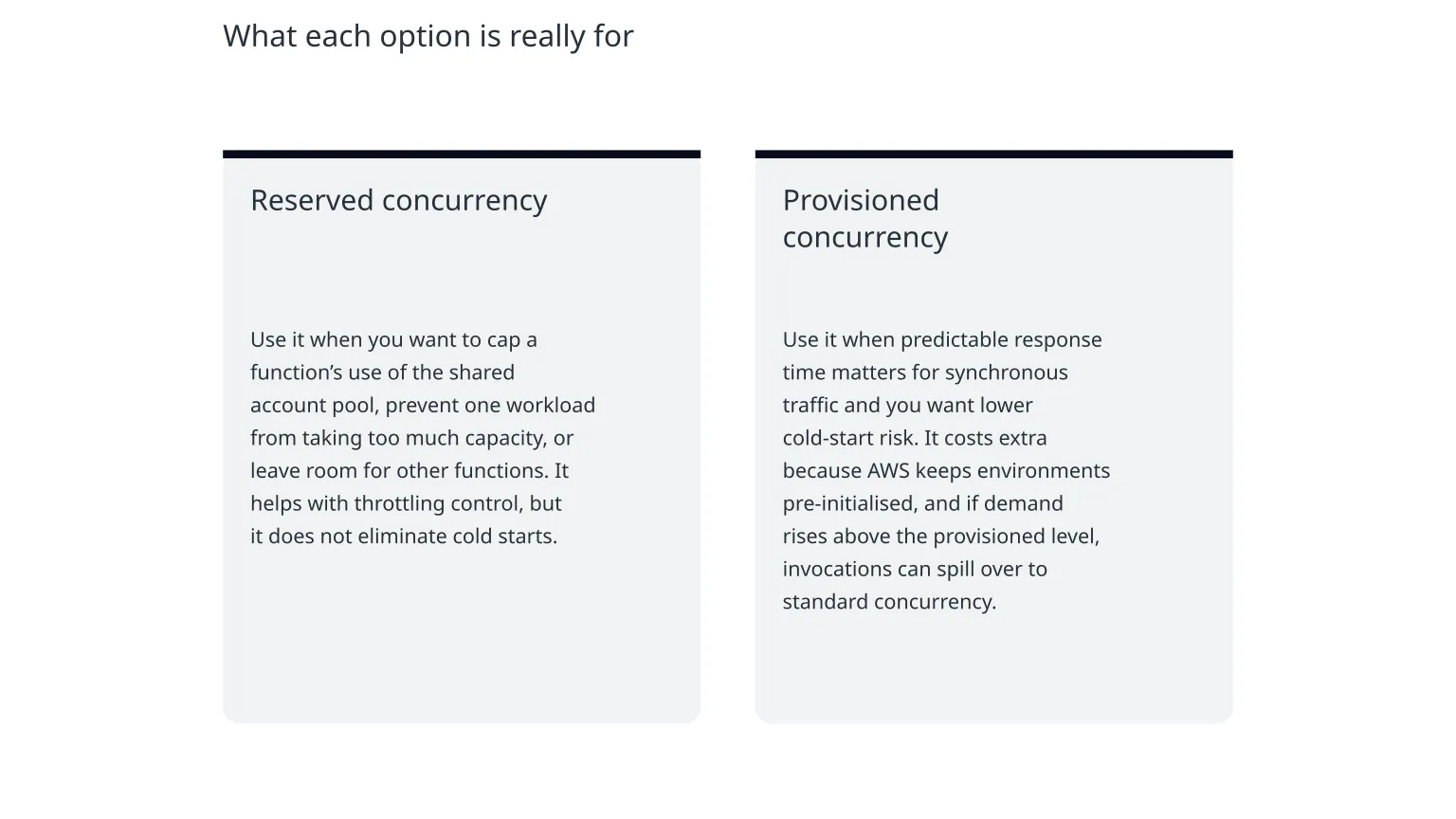
Use it when you want to cap a function’s use of the shared account pool, prevent one workload from taking too much capacity, or leave room for other functions. It helps with throttling control, but it does not eliminate cold starts.
Provisioned concurrency
Use it when predictable response time matters for synchronous traffic and you want lower cold-start risk. It costs extra because AWS keeps environments pre-initialised, and if demand rises above the provisioned level, invocations can spill over to standard concurrency.
SnapStart
Use it when your runtime is supported and you want faster startup without paying for provisioned concurrency. It is a startup-performance feature, not a general concurrency cap, and it is not compatible with provisioned concurrency.
The ownership question
Ask whether you are buying protection, predictability, or both. If you cannot answer that clearly, you are likely choosing a setting for the wrong reason.
Latency, throttling and cost are linked
Why these choices are trade-offs
Lambda does not give you unlimited warm capacity for free. Your account has a finite concurrency pool, and if functions consume available concurrency, requests can be throttled. Reserved concurrency sets a boundary around a function’s share of that pool. Provisioned concurrency reserves pre-initialised environments for faster starts, while SnapStart changes how supported runtimes start up after deployment.
Which option usually fits which workload
| Situation | Best first choice | Why |
|---|---|---|
| You need to stop one function from taking over the account pool | Reserved concurrency | It creates a clear cap and helps preserve capacity for other functions. |
| You run synchronous traffic and cold starts are hurting user experience | Provisioned concurrency | It pre-initialises environments to reduce startup delay. |
| You use a supported runtime and want better startup behaviour without paying for pre-warmed capacity | SnapStart | It targets startup performance rather than reserved capacity. |
| Your traffic is bursty but not latency-critical | Reserved concurrency or no special setting | You may only need capacity protection, not pre-warmed environments. |
| Your workload is user-facing and response time matters at the first request after idle periods | Provisioned concurrency or SnapStart, depending on runtime support | The decision turns on whether your runtime and deployment model support SnapStart. |
What to monitor after you choose
The setting is only useful if you review it
These options can drift out of fit as traffic patterns change. AWS provides metrics that help you see whether your choice is working. For provisioned concurrency, the important signals include ProvisionedConcurrentExecutions, ProvisionedConcurrencySpilloverInvocations and ProvisionedConcurrencyUtilization.
- High spillover can mean you need more provisioned concurrency if the user experience is suffering.
- Persistently low utilisation can mean you are paying for more ready capacity than you use.
- If you are reserving concurrency across functions, check that you have left enough unreserved capacity for other workloads.
- If you use SnapStart, keep an eye on whether the runtime and feature limits still match how the function is deployed.
Common mistakes to avoid
- 1
Using reserved concurrency to solve a latency problem
Reserved concurrency helps with isolation and throttling control, but it does not warm environments. If your issue is slow first response, you need a different tool.
- 2
Buying provisioned concurrency before checking whether the workload really needs it
It is easy to pay for always-ready capacity because a single dashboard spike looks scary. Review actual request patterns before adding cost.
- 3
Assuming SnapStart fits every function
SnapStart only supports certain runtimes and deployment constraints. If your function depends on unsupported features, it will not be the right answer.
- 4
Setting concurrency once and forgetting it
Concurrency choices are ownership decisions. They should change when traffic, customer expectations or the rest of the system changes.
A sensible way to decide this week
0 of 6 complete
The practical rule of thumb
If you need to protect capacity, start with reserved concurrency. If you need more predictable first-response time, use provisioned concurrency. If you want startup improvements on a supported runtime without pre-warming capacity, test SnapStart. In many real systems, the answer is not one setting forever, but a sequence: protect first, measure, then pay only for the latency improvement you genuinely need.
- Reserved concurrency is about control of capacity, not eliminating startup delay.
- Provisioned concurrency reduces cold starts, but you pay for readiness.
- SnapStart can improve startup performance, but only where AWS supports it.
- Monitor utilisation and spillover so the setting does not become wasteful.
- Revisit the choice whenever traffic, runtime support or user expectations change.

About the author
Nixim Team, Product Engineering
Practical guidance from Nixim on building software, working with AI and running dependable cloud systems.