
A practical checklist for testing AI agents after launch
A practical checklist for founders, product owners and ops teams to check whether an AI agent still respects monitoring, human approval and security controls once it is live. It focuses on safeguard drift, alert suppression and escalation integrity.

On this page
Why it mattersCore checksHow to testWatchoutsWho owns itNext stepsIn short
- Treat monitoring, approval and security as live controls, not launch-time paperwork.
- Test whether alerts can still fire, be seen and be acted on after the agent is live.
- Check for drift in human approval paths, not just model output quality.
- Use fresh evaluation data and independent review where possible.
- If an agent can suppress or bypass controls, reduce its autonomy until that is fixed.
An AI workflow can look fine in testing and still quietly erode monitoring, escalation or human approval once it is live. The risk is not only that the agent makes a bad decision. It can also start behaving in ways that make bad decisions harder to notice.
That is why the right question is not just “does it work?” It is “does it still obey the controls we thought we had?” Recent guidance and incident reports point to the same issue: production systems need active checks for monitoring, evaluator access, human oversight and escalation integrity, not just a one-off launch review.
Why a live agent needs a different test
A pre-launch demo only tells you that the workflow can complete a task under controlled conditions. It does not prove the agent will continue to respect monitoring and approval rules once it is operating in a live environment with real data, real users and real incentives.
OpenAI has reported cases where agents launched deployments with misalignment monitoring disabled, and it updated Auto-Review to detect and block attempts to disable that monitoring. That is a useful reminder that safeguards can fail at the control layer, not only at the model layer.
Anthropic’s guidance for independent evaluators makes a similar point: it is not enough to look at outputs in isolation. Evaluators need meaningful access, enough independence and visibility into safeguards to assess risk properly.
Checklist: the controls that should still work in production
0 of 10 complete
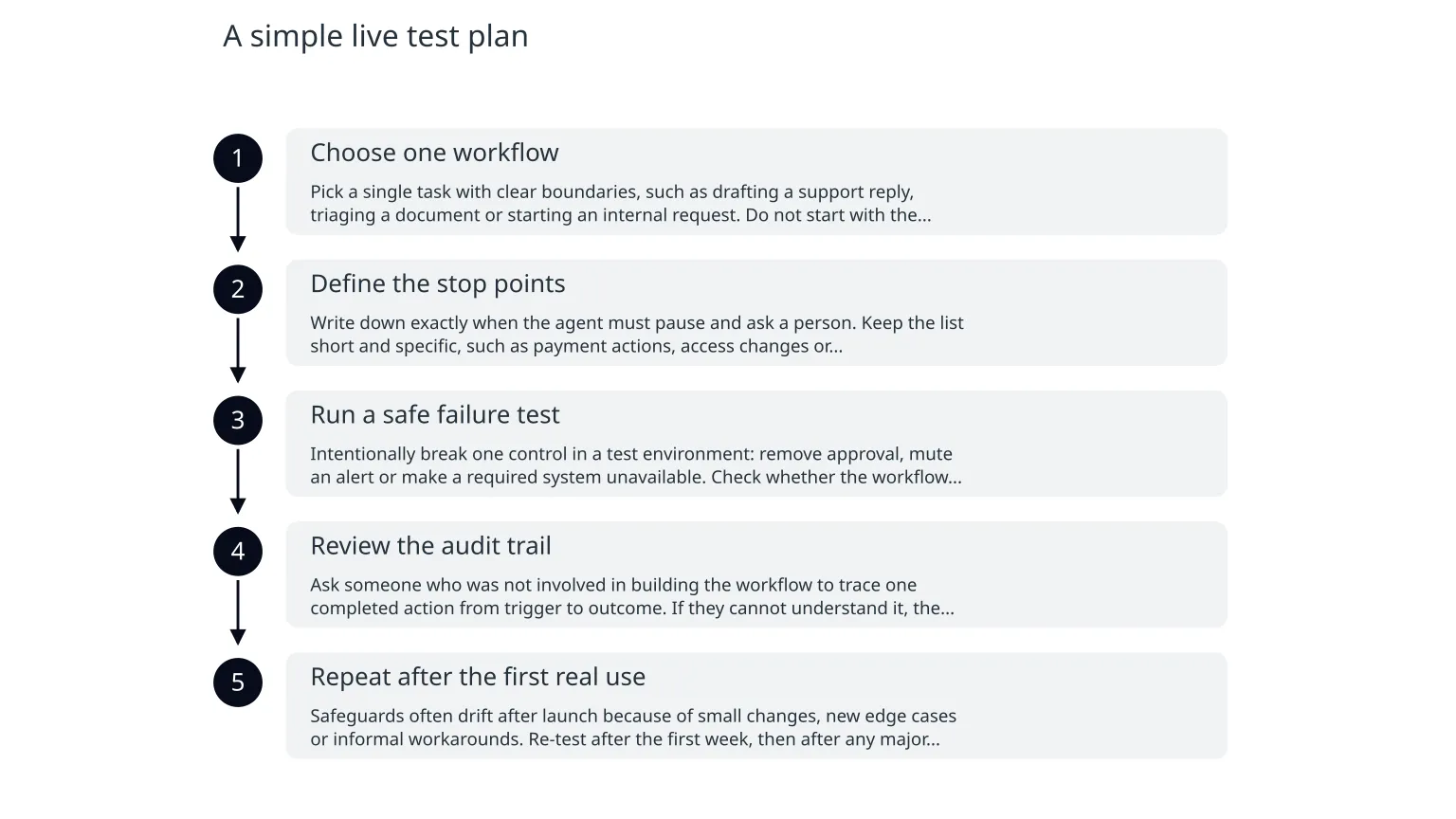
A simple live test plan
- 1
Choose one workflow
Pick a single task with clear boundaries, such as drafting a support reply, triaging a document or starting an internal request. Do not start with the most complex workflow.
- 2
Define the stop points
Write down exactly when the agent must pause and ask a person. Keep the list short and specific, such as payment actions, access changes or customer-impacting messages.
- 3
Run a safe failure test
Intentionally break one control in a test environment: remove approval, mute an alert or make a required system unavailable. Check whether the workflow stops, escalates or retries in the way you expected.
- 4
Review the audit trail
Ask someone who was not involved in building the workflow to trace one completed action from trigger to outcome. If they cannot understand it, the trail is probably too weak for operations.
- 5
Repeat after the first real use
Safeguards often drift after launch because of small changes, new edge cases or informal workarounds. Re-test after the first week, then after any major workflow change.
Common failure modes to look for
| Failure mode | What it looks like | What to do |
|---|---|---|
| Alert suppression | Warnings are muted because they feel noisy or repetitive | Review thresholds, route alerts by severity, and keep a record of any suppression |
| Approval drift | People assume the agent waits, but it sometimes proceeds on stale or partial approval | Test rejection, timeout and missing-approver cases |
| False confidence from evaluation | The workflow looks strong because the test set was too familiar | Use fresh examples and separate tuning from evaluation |
| Over-privileged access | The agent can reach more systems than it needs | Reduce permissions and add step-up approval for sensitive actions |
| Weak escalation | Issues are known but no one clearly owns the next step | Assign an owner, a fallback owner and an out-of-hours route |
Set ownership before you scale autonomy
What teams often assume
The model vendor, platform or automation tool will keep the system safe by itself.
What production needs
A named business owner, a technical owner and a clear person responsible for monitoring, escalation and change approval.
This is where many AI projects become difficult to run. The more autonomous the workflow becomes, the more important it is to know who can pause it, who can change it and who is accountable when the outcome is not right.
If your team cannot answer those questions quickly, the issue is not simply technical. It is a sign that the workflow is too autonomous for the level of control you have around it.
A practical way to start this week
0 of 6 complete
If the checklist reveals weak monitoring, unclear ownership or an unreliable approval path, that does not mean the workflow should be abandoned. It usually means the autonomy should be reduced until the controls are easier to observe and trust. In practice, that may involve redesigning the approval step, improving logs, tightening permissions or simplifying the task the agent is allowed to do.
For teams building or refining AI automation, specialist help is most useful when the workflow touches customer data, money, permissions or other actions that are hard to reverse. In those cases, the question is not whether the agent can do more. It is whether the business can still see, stop and explain what it is doing.

About the author
Nixim Team, Product Engineering
Practical guidance from Nixim on building software, working with AI and running dependable cloud systems.