
Which checkout friction points are costing you sales, and what should you fix first?
A practical hidden-friction audit for ecommerce teams that want to find the checkout issues most likely to reduce sales, then fix them in the right order. It focuses on guest checkout, forms, payment selection and error handling.

On this page
Why it mattersMain frictionAudit stepsPrioritiseCommon mistakesSafeguardsNext stepsWhen to get helpIn short
- Start by checking whether guest checkout is obvious and easy to choose.
- Look for unnecessary fields, unclear labels and form errors that slow people down.
- Review payment methods, payment-step confidence and mobile completion.
- Treat error handling as a recovery problem, not just a design detail.
- Prioritise fixes that remove repeated effort, uncertainty or dead ends.
Checkout problems are often easy to see in analytics but hard to explain from numbers alone. A drop in conversion can come from many small frictions: a guest checkout option that is too hidden, forms that ask for too much, payment methods people expect but cannot find, or error messages that force a restart. Research from Baymard repeatedly points to these as common checkout issues, and it also shows why a structured audit is more useful than guessing from funnel charts alone.
This article sets out a simple hidden-friction audit you can run on your own checkout. The aim is not to redesign everything. It is to identify which problems are most likely to be costing sales and what to fix first, based on the amount of friction they create and how easy they are to remove.
Why a hidden-friction audit beats guesswork
Checkout abandonment is rarely caused by one dramatic bug. More often, it is the result of several small obstacles that add up: a user has to think too hard, type too much, doubt whether the next step is safe, or recover from an error that does not help them continue. Baymard’s recent checkout research and audit guidance are useful here because they frame checkout as a sequence of decision points and recovery points, not just a form on the last page.
That matters because analytics can show where people drop off, but not always why. If many users leave on the payment step, the cause might be missing payment methods, poor mobile usability, uncertainty about costs, or a form error that appears too late. A hidden-friction audit is a way to inspect those causes directly instead of assuming the obvious answer.
The four checkout problems to inspect first
- 1
Guest checkout is hard to see or hard to choose
If guest checkout is hidden behind account creation, visually downplayed or explained late, some users will abandon before they start. Baymard consistently identifies guest checkout prominence as a major issue, and recommends making it the clearest account-selection option.
- 2
Forms ask for more than they need
Long forms, repeated fields, unclear labels and poor autofill support create friction at the exact moment people are trying to finish. The risk is higher on mobile, where every extra tap feels more expensive. Audit whether each field is essential and whether the page gives users enough help to complete it quickly.
- 3
Preferred payment methods are missing or unclear
If a shopper expects a specific payment method and cannot use it, you may lose the sale even when everything else is fine. Payment-step uncertainty also creates hesitation if users cannot immediately tell whether the method is accepted, secure or convenient.
- 4
Errors stop progress instead of helping recovery
A checkout error should help the user recover, not force them to guess what went wrong. Poor error states, vague messages and loss of entered data can turn a minor issue into abandonment. Baymard’s guidance highlights error handling as a central part of checkout flow quality.
How to run the audit in practice
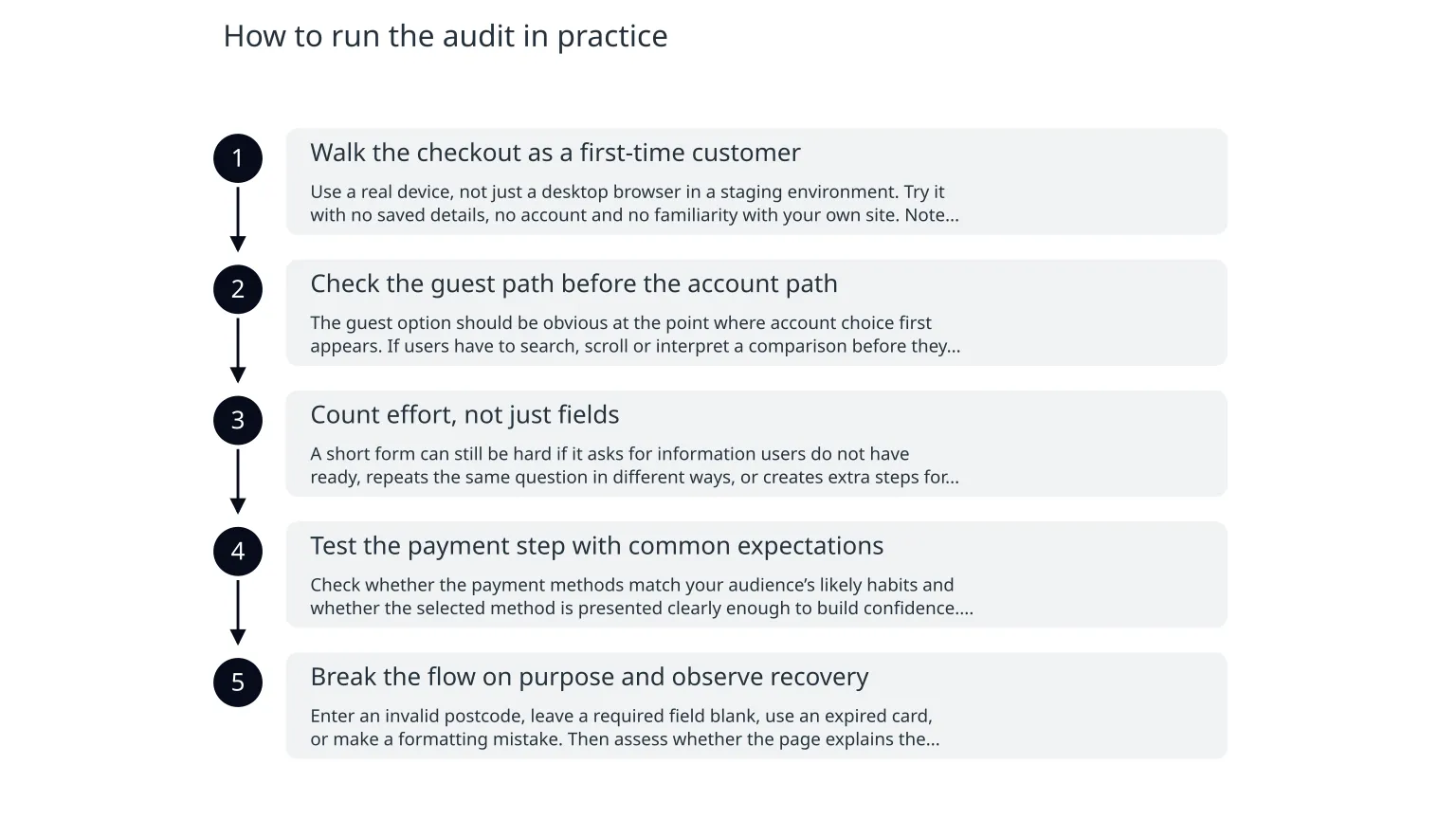
- 1
Walk the checkout as a first-time customer
Use a real device, not just a desktop browser in a staging environment. Try it with no saved details, no account and no familiarity with your own site. Note every moment you pause, reread, hesitate or feel forced to correct something.
- 2
Check the guest path before the account path
The guest option should be obvious at the point where account choice first appears. If users have to search, scroll or interpret a comparison before they can continue, that is a friction point worth fixing before cosmetic changes elsewhere.
- 3
Count effort, not just fields
A short form can still be hard if it asks for information users do not have ready, repeats the same question in different ways, or creates extra steps for address, delivery or payment. Review each field for purpose and order.
- 4
Test the payment step with common expectations
Check whether the payment methods match your audience’s likely habits and whether the selected method is presented clearly enough to build confidence. If users need to hunt for the right choice, the experience is weaker even if the payment technically works.
- 5
Break the flow on purpose and observe recovery
Enter an invalid postcode, leave a required field blank, use an expired card, or make a formatting mistake. Then assess whether the page explains the problem in plain language and preserves the rest of the user’s work.
How to decide what to fix first
| Issue type | What it usually causes | Priority signal | Typical fix direction |
|---|---|---|---|
| Hidden guest checkout | Users delay, compare options or abandon before starting | High if account creation appears before checkout begins | Make guest checkout the clearest default path |
| Excessive forms | Slow completion and mobile fatigue | High if many fields are optional, repeated or poorly explained | Remove fields, improve autofill and simplify labels |
| Payment mismatch | Late-stage abandonment on the payment step | High if users ask for missing methods in support or surveys | Add priority methods and make availability obvious |
| Weak error handling | Restarts, confusion and lost confidence | High if errors are vague or data is lost after correction | Use specific errors, preserve entries and guide recovery |
Fix first when...
The issue affects many users, appears late in the flow, or creates avoidable effort on a critical step such as guest checkout or payment.
Wait when...
The issue is cosmetic, affects a small edge case, or would be less important than removing a repeated source of abandonment.
What can go wrong with this kind of audit
- Treating all drop-off as one problem. Different steps fail for different reasons, so the fix should match the friction point.
- Changing too many things at once. If you alter guest checkout, forms and payment design together, it becomes hard to know what improved.
- Optimising for internal preferences rather than user effort. A checkout can look tidy and still be hard to complete.
- Ignoring mobile. Many checkout issues become more severe on smaller screens, especially around typing, spacing and error recovery.
- Using analytics alone. Drop-off tells you where the issue is, but not whether it is caused by form design, trust, payment choice or an error state.
How to avoid fixing the wrong thing
Use evidence from multiple sources
Pair funnel data with session replays, support questions, checkout testing and short customer feedback. A single source rarely tells the full story.
Validate the change before scaling
Start with one high-friction issue, measure the effect, then decide whether to extend the fix. That keeps the work focused and easier to evaluate.
0 of 7 complete
A sensible order of work
- 1
Start with the highest-friction step
Usually this will be guest checkout visibility, form burden, or the payment step. Pick the one issue most likely to affect the largest number of users.
- 2
Make one targeted change
For example, expose guest checkout more clearly, remove a non-essential field, surface a missing payment method, or rewrite an unclear error message. Keep the change specific.
- 3
Measure the effect over a fair window
Do not judge a change too quickly if traffic is low or if the checkout has seasonal swings. Give the test enough time to produce a meaningful comparison.
- 4
Decide whether the problem is solved or just reduced
Some friction can be improved but not eliminated. If the change helps but users still hesitate, the next fix should address the next most likely blocker.
When specialist support is useful
If the audit points to a checkout flow that needs design, development and measurement changes together, outside help can speed up the work and reduce back-and-forth between teams. That is especially true when the issue involves payment integration, mobile form behaviour, error handling or a checkout rebuild that must stay stable while you change it.
For teams that need a broader improvement programme, services such as checkout-focused product engineering, custom web development, or data and insights work can help turn audit findings into a practical delivery plan. The useful question is not whether to buy a larger project, but whether you have identified the friction clearly enough to fix it without overbuilding.
The safest next step is to choose one checkout problem, define what success would look like, and run a small change that can be reviewed honestly. That is usually enough to tell you whether the current checkout needs a careful tune-up or a deeper rebuild.

About the author
Nixim Team, Product Engineering
Practical guidance from Nixim on building software, working with AI and running dependable cloud systems.